> ## Documentation Index
> Fetch the complete documentation index at: https://docs.agentcloud.dev/llms.txt
> Use this file to discover all available pages before exploring further.
# Local Dev with CLI
> How to use Agent Cloud on your local development machine.
You can use Agent Cloud locally on your machine to build your projects and this is the simplest way to get Agent Cloud up and running. It only takes a few minutes.
## Setup via Docker
Learn how to get Agent Cloud running locally via Docker.
Open your terminal and clone the repo to your a local folder using the command below.
Make sure to `cd` into that directory.
`git clone https://github.com/rnadigital/agentcloud.git`
If you don't have docker desktop you can
[download it here](https://www.docker.com/products/docker-desktop/)
There previously was a reliance on GCP for bucket storage.
This has been removed and is now optional.
Files can now be accessed from Local Disk.
Follow the steps below to get started:
Once you are in the directory of the repo for Mac & Linux users run:
```
chmod +x install.sh && ./install.sh
```
Once all the Docker containers are running, enter your browser and go to [http://localhost:3000](http://localhost:3000).
You will see the following page where you can enter your sign in details.
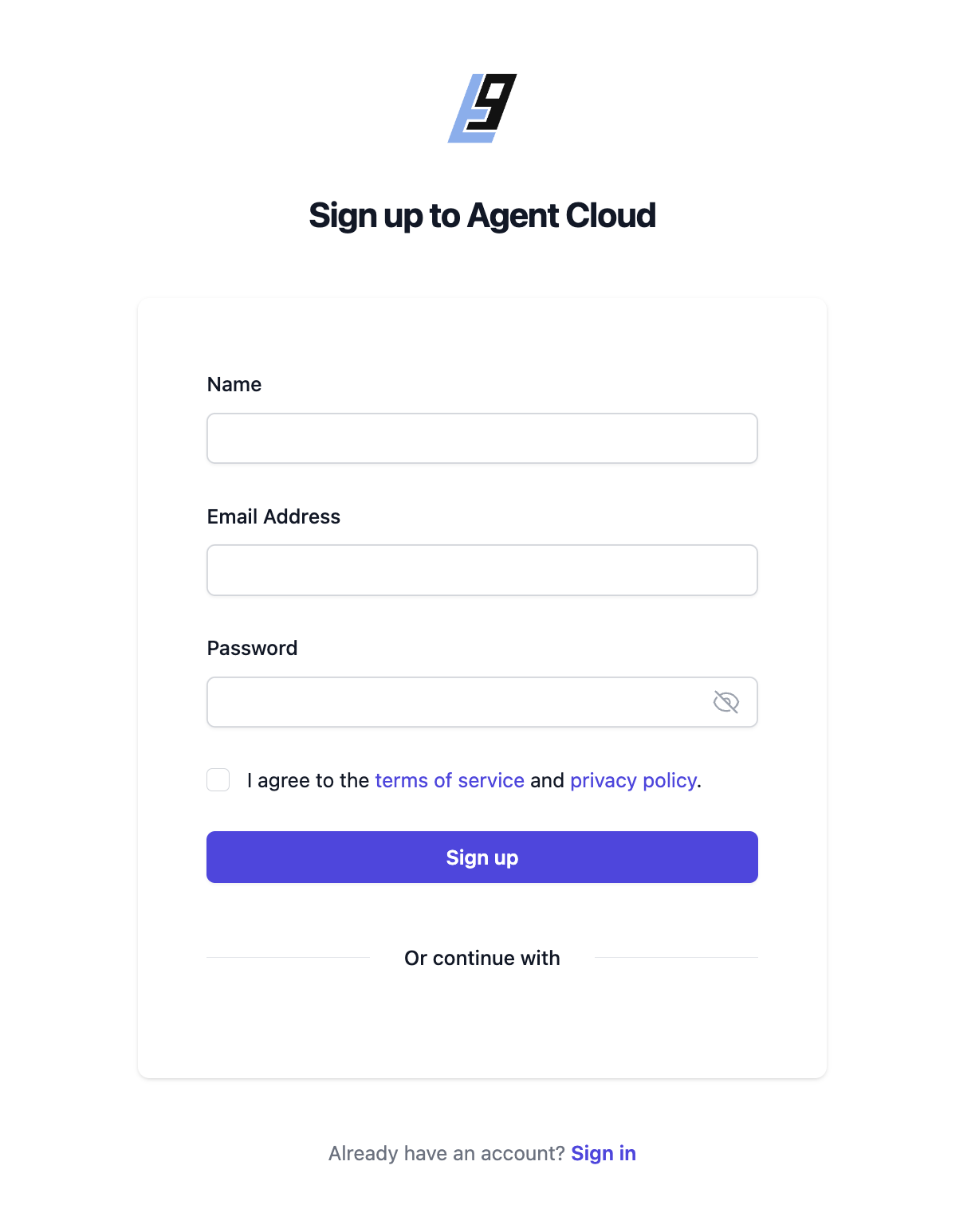 After signup you will be redirected to a sign in page where you can enter the same credentials you just used to sign up to enter the platform.
### System Requirements
To ensure optimal performance and stability when running AgentCloud, please ensure that your system meets the following requirements:
**Memory (RAM):**
1. Minimum of 16GB RAM is recommended for optimal performance. However, it's essential to allocate sufficient memory based on your specific usage.
2. Actual memory usage may vary depending on factors such as dataset size and project complexity.
3. During testing, typical memory usage ranges from 8GB to 10GB, including the operating system and other concurrently running programs within Docker.
**Recommended RAM If Running Embeddings Locally:**
* 🚀 Minimum of (16-32 GB) for optimal performance.
* ❌ Avoid using 8 GB.
* 💡 Consider 32 GB for excellent performance.
**Disk Space:**
* Minimum of 20 GB of free disk space.
**Docker Resource Allocation:**
* It's crucial to allocate sufficient resources to Docker itself, especially if running AgentCloud within Docker containers.
Please note that the actual resource requirements may vary depending on the specific usage and workload of your AgentCloud deployment.
### Managed version
We have launched our cloud edition. [Sign up here](https://app.agentcloud.dev/register)
### Troubleshooting
If you are stuck and need some help, don't hesitate to reach out on the #help channel on discord.
You can [join our Discord here](https://discord.com/invite/ZNSSttKqqq)
After signup you will be redirected to a sign in page where you can enter the same credentials you just used to sign up to enter the platform.
### System Requirements
To ensure optimal performance and stability when running AgentCloud, please ensure that your system meets the following requirements:
**Memory (RAM):**
1. Minimum of 16GB RAM is recommended for optimal performance. However, it's essential to allocate sufficient memory based on your specific usage.
2. Actual memory usage may vary depending on factors such as dataset size and project complexity.
3. During testing, typical memory usage ranges from 8GB to 10GB, including the operating system and other concurrently running programs within Docker.
**Recommended RAM If Running Embeddings Locally:**
* 🚀 Minimum of (16-32 GB) for optimal performance.
* ❌ Avoid using 8 GB.
* 💡 Consider 32 GB for excellent performance.
**Disk Space:**
* Minimum of 20 GB of free disk space.
**Docker Resource Allocation:**
* It's crucial to allocate sufficient resources to Docker itself, especially if running AgentCloud within Docker containers.
Please note that the actual resource requirements may vary depending on the specific usage and workload of your AgentCloud deployment.
### Managed version
We have launched our cloud edition. [Sign up here](https://app.agentcloud.dev/register)
### Troubleshooting
If you are stuck and need some help, don't hesitate to reach out on the #help channel on discord.
You can [join our Discord here](https://discord.com/invite/ZNSSttKqqq)